Automate the un-automatable.
AdminRelay is the first commercially available tool that automates any workflow requiring end-user confirmation — the disruptive changes that used to mean emails, chasing, and twenty-minute calls to deliver a five-minute fix.

What it is
AdminRelay is the first commercially available tool that automates any workflow requiring end-user confirmation. A simple branded prompt communicates to the user exactly what's needed and why, while displaying three choices: Schedule, Remind Later, or Execute. The moment they choose to execute, the intended task triggers automatically. There are no emails, no chasing, no twenty-minute calls to deliver a five-minute fix. The reminders, the rescheduling, and the follow-through are all automated at a controlled frequency. The whole workflow becomes only the required events: The user is informed, the user decides when ready, the task starts executing immediately on confirmation — no needless downtime.
Built for IT teams who automate their own fixes
You already know how to fix it. AdminRelay handles the rest — reaching the user, getting their confirmation, and proving it happened.
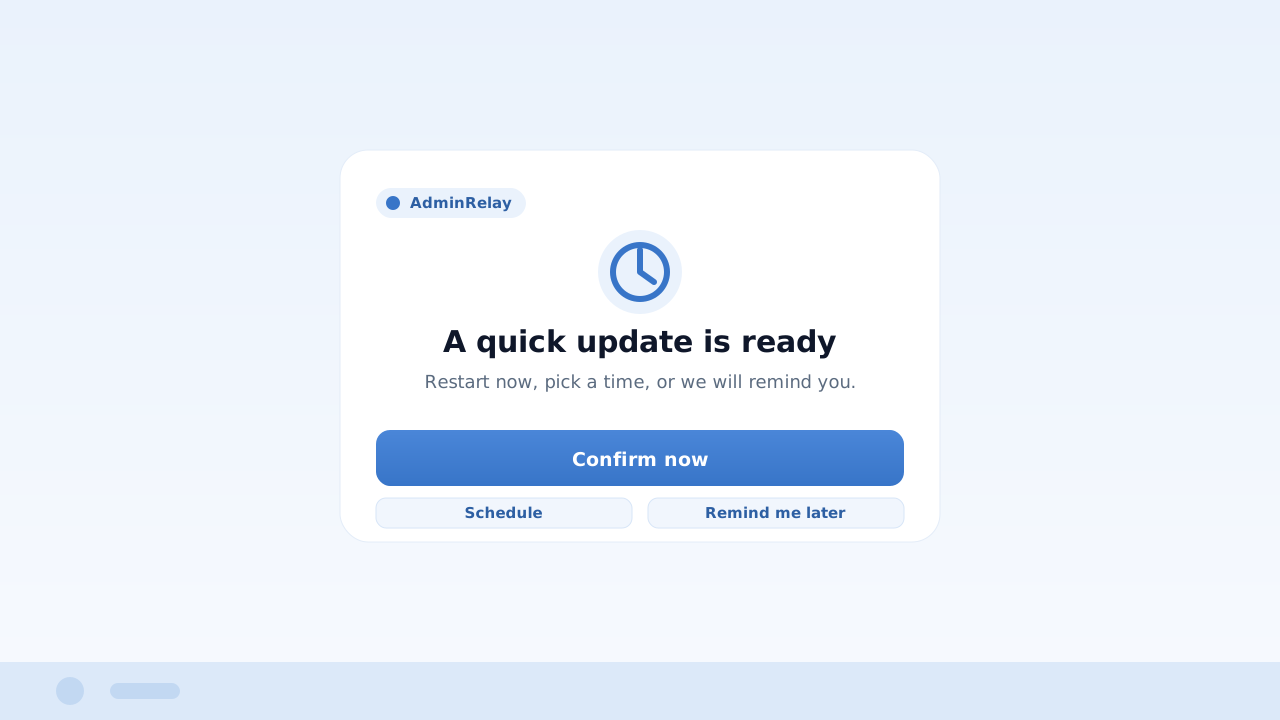
One prompt, zero chasing. Turn any fix into a single click for your users.
Attach your script to a config, write the message your users see, and AdminRelay delivers a branded prompt on their machine. They pick Schedule, Remind Later, or Execute — and your task runs the moment they confirm.
Users get a branded Windows reminder until they act — not an email that sits ignored in an inbox.
Let users schedule the fix for a time that suits them, or run it right away. You set the deadline.
The moment a user clicks Execute, your script runs on their device automatically — no remote session.
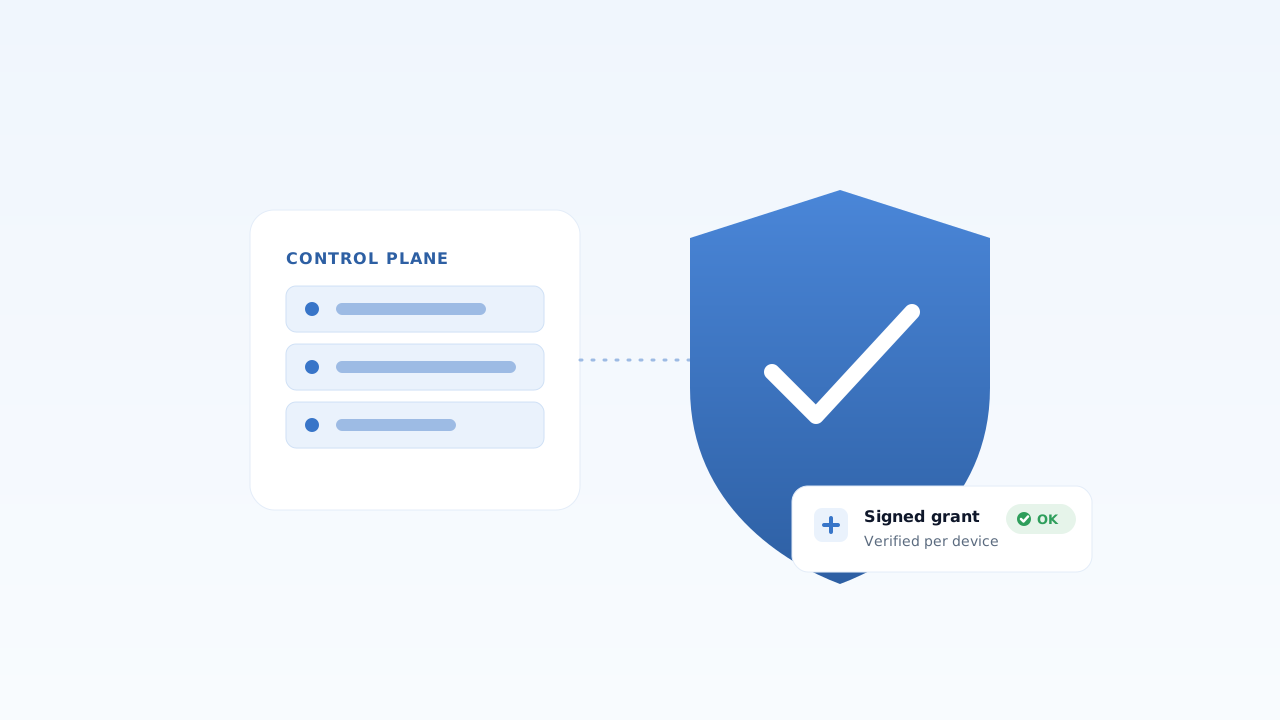
See every device, keep control. Inventory, health, and audit are built in.
AdminRelay collects a full device inventory and a 0-100 health score from every machine and gives you a live dashboard of your fleet. Every action is authorized and recorded — you decide what runs and when.
Nothing runs on a device until the user confirms and your policy allows it. You stay in control of what executes, everywhere.
20+ sections of RMM-grade device data collected on every run, with no extra agents to install.
Every prompt, confirmation, and execution is recorded — the compliance trail is there when you need it.
One price, every device.
Everything included. No tiers, no add-ons.
- Starts at 5 devices — $25 a year.
- 1 to 5-year terms. The longer you commit, the less you pay, and your price is locked.
- Only pay for what you use. Unused seats are credited back.
More about pricing
- Licensed in 5-device packs.
- Unused-seat credits are prorated to your next cycle.
- Multi-year terms lock your per-device price for the full term.
- No lifetime licenses.
Managing a larger fleet or need custom terms? Talk to us
Be first in line.
Join the waitlist and we'll email you when AdminRelay opens — founding customers get pre-sale pricing.
Frequently asked questions
Everything you need to know about running AdminRelay.
How does AdminRelay actually run my fix?
How do I deploy AdminRelay to my users' machines?
How is it licensed?
What is your refund policy?
How do we get help?
If it needs a yes, relay it.
AdminRelay is modular by design. Any workflow that ends with "get the user's confirmation, then run it" fits — updates, rollouts, maintenance windows, compliance actions, cleanups, migrations. You bring the script; AdminRelay delivers it, secures the confirmation, and executes.